The wedding is over, and now everyone is asking the same question: when can we see the photos? If you are working out how to share wedding photos with guests, it sounds simple, but you are usually dealing with two different sets of pictures on two different timelines. Your photographer's gallery arrives weeks later. Your guests' own phone photos are scattered across dozens of camera rolls tonight. This guide sets out a realistic timeline, compares the main ways to share photos with guests, gives you wording for the message, and covers the privacy and backup steps that are easy to forget once the thank-you cards are done.
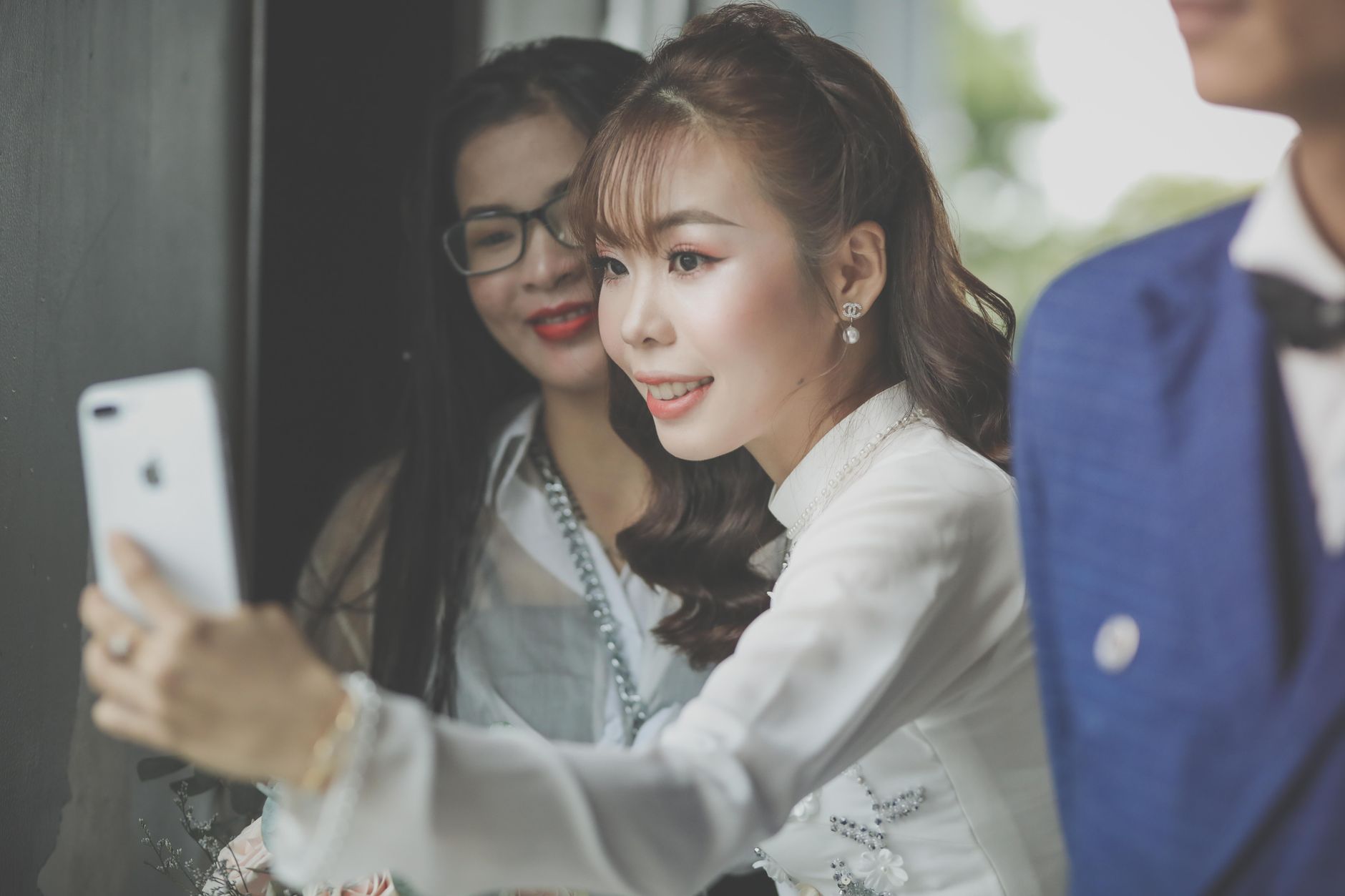
Guest photos are on everyone's phones the night of the wedding. Collect them early, then share them with the professional gallery in one message.Photo by Huynh Van on Pexels
The practical answer
Two sets of photos, one clear message
Share a few sneak peeks soon after the wedding, gather guest photos while memories are fresh, and send everyone one message with a link to the full professional gallery when it arrives. Check your photographer's contract before you share, review guest photos for privacy before others see them, give older relatives a printed or in-person option, and download a full copy of everything before any link expires.
01
Two sets of photos, two different timelines
Most couples end up sharing two collections. The first is the professional gallery: edited, high-quality and delivered by your photographer some weeks after the wedding. The second is everything your guests took on their phones: the dance floor, the speeches from the back row, the getting-ready chaos and the moments your photographer was not there for.
These two sets behave differently. The professional gallery comes from one person, in one place, on a date you can roughly predict. Guest photos come from many people, in many places, and get harder to collect every day as camera rolls fill up and the wedding stops being the most recent thing on everyone's phone. Treat them as two jobs with two timelines, then bring them together in one message to guests.
Plan both
What you are sharing, and when it is ready
Sneak peeks
A handful of edited photos, often within days.
Guest photos
On guests' phones now. Collect them in the first week.
Full pro gallery
Commonly four to six weeks; check your contract.
Editorial summary based on the photographer turnaround sources cited in this article.
02
A realistic timeline for sharing wedding photos
Photographer turnaround varies a lot, so read your contract for the agreed delivery date. As a guide, photographers answering an Easy Weddings question on this mostly quoted four to six weeks for a full gallery, with some delivering in two to three weeks and some stretching to six to eight weeks in peak season. Several mentioned sending a small sneak-peek set within two or three days. Wedding Spot's roundup of photographer answers lands in a similar place, describing four to six weeks as the industry standard, with sneak peeks often arriving within days.
With that in mind, a simple plan looks like this:
The day after: thank guests and tell them when to expect photos. If you are collecting guest photos, send the upload link and a clear closing date.
First week: share your photographer's sneak peeks with close family and the wedding party, and post one yourself if you want to. Chase guest photos now, before they get buried.
Weeks four to eight: when the full gallery arrives, choose your favourites, then send guests the professional link and the guest photo gallery together in one message. If your guest gallery has a fixed lifespan, time its opening for this moment rather than the day after.
Within two to three months: order prints for anyone who will not use a link, and make sure you have a full copy of every photo saved somewhere permanent.
Your photographer's gallery is usually the easiest thing to share, because it already has a link. Before you forward it to 120 people, spend five minutes on the terms and settings. Photographers often control who can download, at what size, and for how long the gallery stays online.
Usage: check what your contract says about sharing and printing. Most allow personal use, but some ask for credit when photos go on social media.
Downloads: see whether guests can download from the gallery or only view. If downloads are limited, decide whether that matters for you.
Passwords: if the gallery has a password, send it in the same message as the link so nobody has to ask.
Expiry: find out how long the gallery stays online. If it closes after a set period, tell guests and make sure you have your own full download first.
Favourites: some galleries let viewers mark favourites. It can be a helpful way to see which photos family members want printed.
04
The main ways to share wedding photos with guests
There is no single right method. Choose based on how many guests you have, how comfortable they are with technology, and how private you want the photos to be. These are the options most couples use, with what to watch for in each.
Best for the professional photos. It is already organised and edited, and guests can usually view it in a browser. The limits are the ones set by your photographer: download rules, passwords and how long it stays online. It does not hold your guests' phone photos.
A shared cloud album
Google Photos and Apple's iCloud Shared Albums are free and familiar. Google's help page notes that anyone who has an album's shared link can view it, and anyone who scans the album's QR code can access it, so treat the link as semi-public. Apple's support page says that from iOS 27, Shared Albums support full-resolution sharing and people without Apple devices can join on the web. On iOS 26 and earlier, a shared album holds a copy that may not contain everything the original did. Either way, if guests can add photos, there is no step where you check what goes in before everyone else sees it.
A file transfer link
Services such as WeTransfer let you upload a set of photos and send one link. WeTransfer's own guide says its album links can be viewed in a browser without an account, but guests need a free account to add their own photos, and the album has an expiry date you set. This works well for sending a finished set to a few people. It is less suited to collecting photos from a large guest list.
A private guest photo gallery
A guest gallery service collects photos from guests through a QR code or link and shows them in one gallery. It solves the harder half of the job: getting the photos off everyone's phones. When you compare options, look for no app or account for guests, host review before others see the photos, a clear time when the gallery opens, and a full-resolution download for you.
Social media and group chats
Fast, and many guests will see a post without being sent anything. But photos get compressed, the audience is wider than your guest list, and a group chat with 80 people becomes noisy quickly. Social media works best for a few favourites, not as the main place to keep the photos.
Prints
For grandparents and relatives who will not open a link, a small set of prints or a short printed album is often the most appreciated version of all. Choose 10 to 20 photos that include them.
Compare methods
Which method fits which job
Photographer gallery
Professional photos; terms set by the photographer.
Shared cloud album
Free and familiar; anyone with the link can usually view.
File transfer link
Good for sending a finished set; expires.
Private guest gallery
Collects guest phone photos; host review before reveal.
Prints
Best for relatives who will not open a link.
Editorial summary of the methods described in this article and the vendor help pages cited.
05
Collect guest photos before they disappear
If you set up a QR code at the wedding, most of this is already done. If you did not, it is not too late, but the first week matters. Send one short message to guests with a single place to add their photos and a date the upload closes. A clear deadline gets more responses than an open-ended "send us anything you have".
Event Capsule works for either case. Guests scan a QR code or open your link, enter their name and upload from their phone's browser, with no app and no account. They can pick photos already in their phone's library, so if you did not set one up for the day, you can create a capsule after the wedding with an upload window that starts then. You set the upload window and the reveal time when you create the event. Once you have verified your email, you can change the upload times from the host dashboard until the event starts, and move the reveal time until the photos are revealed, which helps if your photographer's delivery date changes. Moving the reveal also moves the 30-day deletion date. The upload window can last up to 7 days, and uploads close by the reveal. Photos are kept for 30 days after the reveal, so a good approach is to set the reveal for the date your photographer expects to deliver. That way both galleries go out in the same message and the guest gallery stays open for a month after that. Until the reveal, guests see a locked capsule and a running photo count, never anyone else's photos. You can review uploads as reduced-resolution previews and hide anything before the reveal, and only approved photos appear when the gallery opens.
For most weddings, the Full Roll plan (US $24.99, up to 100 guests with 25 photos each) or The Archive (US $55.99, up to 250 guests with 30 photos each) fits. There is a free plan for up to 5 guests if you want to try it with the wedding party first.
06
Decide who gets which photos
Not every guest needs every photo, and some photos are not for everyone. A quick pass through the guest list saves awkward moments later.
Wedding party and immediate family: the full professional gallery, the guest gallery and early sneak peeks. They are also the people most likely to want getting-ready photos.
All guests: one link to the professional gallery and one to the guest gallery, sent once both are ready, or in two stages if the professional gallery is weeks away.
Guests who could not attend: a short highlights set often means more than a 600-photo gallery. Choose 20 to 30 that tell the story of the day.
Vendors: if your venue, florist or planner asks for photos, check your photographer's terms first. Many photographers prefer to send vendor photos themselves with credit.
07
Review guest photos for privacy before you share
Guest photos are less filtered than professional ones. Before the gallery goes to everyone, look through it with these questions in mind:
Children: are there close-up photos of children whose parents might not want them shared widely?
Unflattering moments: is there anything a guest would be embarrassed to see in a gallery their colleagues or in-laws can open?
Private moments: a guest crying in a corner, or a conversation that was clearly not meant for the camera.
Accidents: blurry shots, screenshots and photos of the floor. Removing these makes the gallery much nicer to browse.
Posting: if you asked guests not to post until you had, tell them clearly when that request ends.
One clear message works better than a trickle of links. Send it by email or text, and keep it short. Adapt these to your own voice.
The day after the wedding
"Thank you so much for celebrating with us. Our photographer's photos will be ready in about six weeks, and we'll send them to everyone then. In the meantime, if you took any photos, please add them here by Sunday: [link]. We'd love to see the day through your eyes."
When the photos are ready
"Our wedding photos are here! The professional gallery is at [link] (password: [password]). Your photos are in our guest gallery at [link]. The guest gallery is open until [date], so save any favourites before then. Thank you again for being part of our day."
Thank-you card line
"Scan the code to see the photos from our wedding day, including the ones you took." Print a QR code on the card or include a short link, and check the link will still be live when the cards arrive. If the guest gallery will have closed by then, point the code at the professional gallery or another permanent album instead.
09
Make it easy for relatives who will not open a link
Every guest list includes someone who will never open the gallery link. For them, sharing in person is often better than any app. If your wedding was this autumn, upcoming family gatherings in November and December are a natural moment to share the photos. Play a slideshow on a laptop or TV, or bring a few prints. Plan for the date: an online gallery may have closed by then, so keep a downloaded copy you can play from.
Event Capsule has a slideshow that plays the approved guest photos full screen after the reveal, with contributor names on each photo. You can put it on a screen and leave it running while the gallery is open, which makes it a good fit for a get-together soon after the reveal. For people who prefer something to hold, a small print set with one photo of each relative is easy to post with a thank-you card.
Shared links are for sharing, not for keeping. Photographer galleries, transfer links and guest galleries can all expire, so download everything and keep at least two copies in different places, such as a computer and a cloud drive. Do this before you send guests the link, so a closed gallery never leaves you without your photos.
In Event Capsule, the host can download every approved photo at full resolution as a single ZIP after the reveal. Photos are kept for 30 days after the reveal and then deleted automatically, and hosts who verified their email get reminders before that happens. Downloading does not extend the window, so save the ZIP early and tell guests the gallery date in your message.
Send one message with a link to your photographer's gallery and a link to a gallery of guest photos. Include any password and the date the galleries close. For relatives who will not open a link, share prints or play a slideshow when you see them.
When should I share wedding photos with guests?
Share a few sneak peeks in the first week, ask guests for their own photos within days of the wedding, and send the full gallery when your photographer delivers it. Photographers commonly quote four to six weeks for a full gallery, but check your contract.
Can I share my photographer's gallery link with all my guests?
Usually, but check your contract and gallery settings first. Photographers often control download permissions, passwords and how long the gallery stays online, and some ask for credit when photos are posted on social media.
How do I get photos from guests after the wedding?
Send guests one link or QR code where they can upload from their phone, with a clear deadline. A browser-based gallery with no app or account gets more people to take part than asking them to email or text photos.
Should I share every wedding photo with guests?
Not necessarily. Remove blurry shots and accidental photos, and check for close-ups of children or private moments before sharing widely. A curated gallery is easier to browse, and guests who could not attend often prefer a short highlights set.
One QR code. No guest app.
Collect the moments your guests already capture
Create a private Event Capsule, choose when uploads open and when the gallery reveals, then let guests contribute from their phone browser.