A wedding hashtag and a QR code often sit side by side on the same welcome sign, but they do very different jobs. A hashtag labels the photos guests choose to post publicly. A QR code sends guests to one place where they can hand their photos to you directly. If your real goal is to end up with the photos your guests took, that difference matters more than which one looks better on the sign. This guide explains what each method actually collects, where hashtags fall short, what QR codes need from you, how the privacy compares, and how to use both without confusing anyone. If you are deciding now for a wedding next year, it is a quick choice to settle before you order signs and stationery.
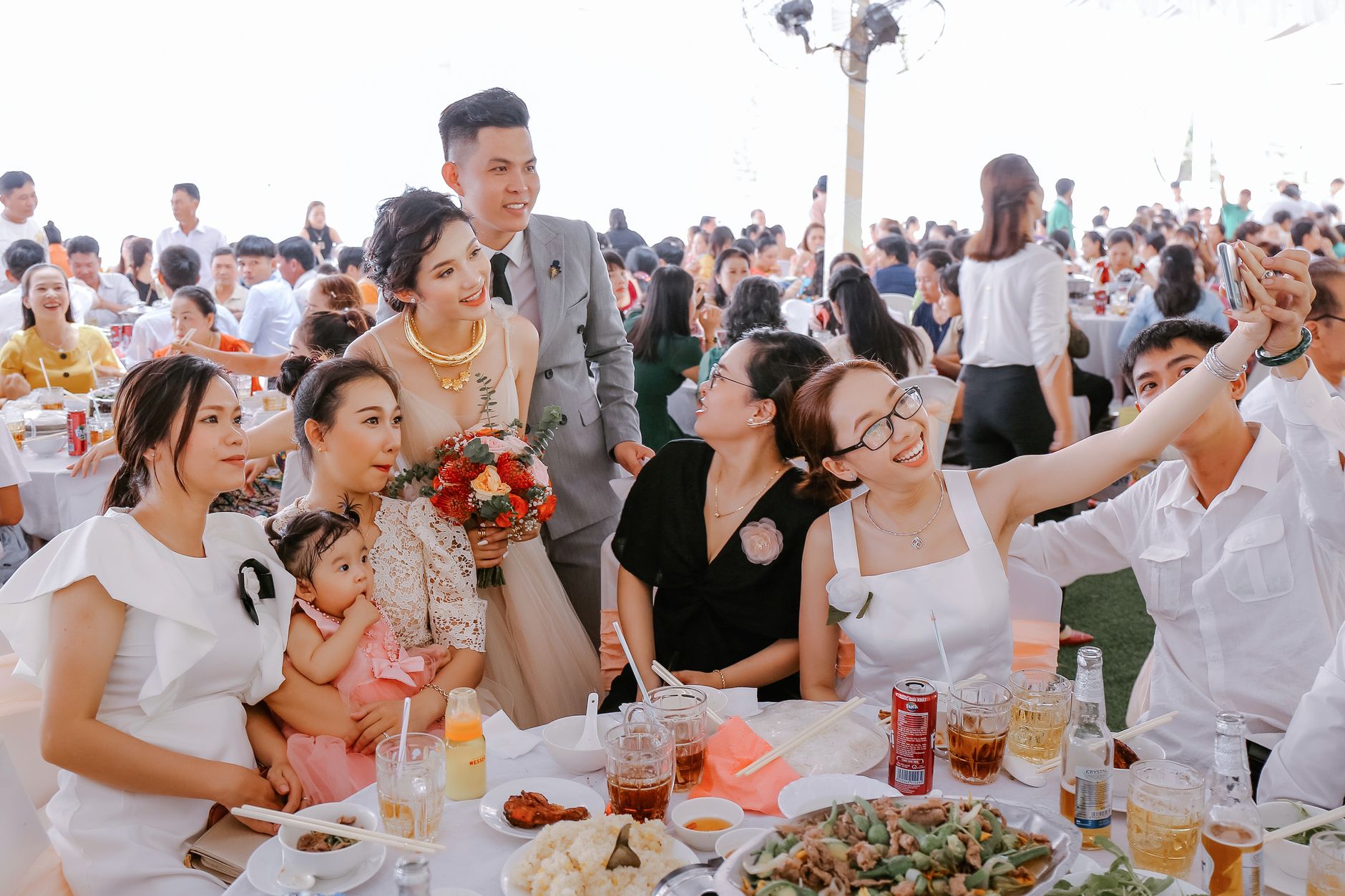
A QR code collects the photos guests took. A hashtag only finds the ones they posted publicly.Photo by Trung Nguyen on Pexels
The practical answer
A hashtag is for posting. A QR code is for collecting.
Use a hashtag if you want a public, social side to the day and you are happy with whatever guests decide to post. Use a QR code if you want the photos themselves, at full quality, in one private place you can download. Many couples do both: the QR code as the main instruction for photos, and the hashtag as an optional extra for guests who like to post. Whatever you choose, test it before the day and tell guests when they will see the results.
01
What each one actually does
A wedding hashtag is a label. Guests add it to a post on Instagram or another social platform, and anyone who searches the tag can see the public posts that use it. Nothing is sent to you. The photos stay on each guest's account, in whatever form they posted them, for as long as they choose to keep them up.
A wedding QR code is a door. Guests scan it with their phone camera and land on a page where they can upload photos straight from their camera roll into one shared collection. Depending on the tool, the photos may appear in a live gallery, wait for your review, or stay hidden until a set reveal time. Either way, the photos come to you rather than staying spread across other people's profiles.
That is the core of the comparison. A hashtag measures what guests post. A QR code captures what guests took. Guests usually take more photos than they post, so the two methods can give very different results from the same wedding.
In one line
What you end up with
Hashtag
Links to public posts guests chose to share, kept on their accounts.
QR code
Photos guests upload to one collection you control and download.
Editorial summary of how each method works, based on the platform help pages cited in this article.
02
Where wedding hashtags fall short for collecting photos
Hashtags are fun, and guests understand them. As a way to gather the photos from your wedding, though, they have some built-in gaps that are worth knowing before you rely on one.
Private accounts do not show up. Instagram's help centre says that if an account is set to private, a post with a hashtag will not appear on that hashtag's page. Plenty of guests keep private accounts, so their photos never appear under your tag.
Stories disappear. Instagram says photos and videos shared to a story disappear after 24 hours unless the person adds them to a highlight. A lot of wedding-night posting happens in stories, so those moments may be gone by the time you are home.
Guests only post a few favourites. Even keen posters share a handful of photos. The candid shots, the blurry dance floor and the photo of your grandmother laughing usually stay in their camera roll.
Not everyone posts at all. Older relatives, guests who are not on social media and anyone who works in a privacy-conscious job may never use the tag.
Tags get mistyped or reused. A small spelling slip puts a post under a different tag, and a common name-based hashtag may already hold another couple's photos. Bridebook suggests searching Instagram for your tag before you commit, and adding the year if it is already in use.
There is no simple way to save them. A hashtag page is something you browse, not a folder you can download. Keeping the photos usually means asking each guest for the originals or screenshotting posts, which loses quality.
Why tools that gather hashtag posts hit the same wall
Some couples look for a service that pulls hashtag posts into one feed or slideshow. These still depend on what is public. Smash Balloon, which makes Instagram feed plugins, says in its own documentation that hashtag feeds only show publicly available posts. A collector cannot reach photos that were never posted publicly in the first place.
03
What wedding hashtags are still good for
None of this means hashtags are pointless. They are good at a different job: making the wedding a shared, public moment for people who enjoy that. A clever hashtag can be a small piece of personality on your website and signs, and it gives friends who were not invited a way to follow along.
Public celebration: guests who love to post have an easy way to connect their posts to yours.
Before the wedding: an engagement party, shower or bachelor and bachelorette weekend can use the same tag, so the posts build up over months.
Finding posts later: if you want to see what friends shared publicly, the tag makes it quicker to look.
Personality: a pun on your names is a nice touch on a wedding website or welcome sign.
If you are asking guests not to post until you have, or not to post at all, leave the hashtag off. Printing a hashtag next to a request for privacy sends mixed signals. The same goes for weddings where some guests need to stay off social media for work or safety reasons.
04
What a QR code needs from you
A QR code solves the collection problem, but it is not effortless. Be honest with yourself about the setup before you choose it.
Someone has to set it up. You create the event, choose the settings and print the code. It takes a few minutes, but it has to happen before the day.
Guests need a connection. Uploads happen over mobile data or Wi-Fi. If the venue has weak signal, tell guests they can upload later from home, and choose a tool whose upload window stays open after the wedding.
The code has to be easy to scan. Print it large enough, with good contrast, in places guests stop and wait: the welcome table, the bar, the tables and the guest book.
Anyone with the code can usually join. Most QR galleries are private in the sense that they are unlisted, not password-protected. Keep the code on your signs and in messages to guests, and do not post it publicly.
It may cost money. Some tools are free with limits; others charge per event. Compare the price against what you would spend on disposable cameras or chasing photos afterwards.
If you want the short version, this is how the two methods compare on the things couples usually care about.
Which photos you get
Hashtag: only public posts, usually a few favourites per guest, as edited or compressed by the platform. QR code: whatever guests choose to upload from their camera roll, including photos they would never post.
Who can see them
Hashtag: anyone on the platform who searches the tag, including strangers. QR code: people who have the link or code, and with some tools only after you have reviewed the photos.
Who can take part
Hashtag: guests with a public social media account. QR code: any guest with a smartphone and a connection, if the tool works in the browser with no app or account.
Keeping the photos
Hashtag: the photos stay on guests' accounts and can be deleted at any time. QR code: you can usually download the whole collection, though many tools only keep photos online for a limited period, so save a copy.
Cost and effort
Hashtag: free, and only needs a name you like. QR code: a few minutes of setup, a printed sign, and sometimes a fee.
Compare
Wedding hashtag vs QR code
Photos collected
Hashtag: public posts only. QR code: direct uploads from guests' phones.
Privacy
Hashtag: public. QR code: shared with people who have the link.
Guests included
Hashtag: social media users. QR code: any guest with a phone.
Download
Hashtag: no simple export. QR code: usually one download for the host.
Cost
Hashtag: free. QR code: free or a one-off fee, depending on the tool.
Editorial comparison based on the Instagram and Smash Balloon help pages cited in this article.
06
Using both without confusing guests
Plenty of couples keep a hashtag for fun and add a QR code for the photos. That works well as long as guests can tell at a glance which one to use for what. A sign that shows two equal instructions often gets neither followed.
Make the QR code the main instruction. Put it largest, with a clear action: "Scan to add your photos".
Make the hashtag optional. Place it smaller, underneath: "Posting too? Use #YourHashtag".
Say when the photos appear. "Our gallery opens on Sunday morning" tells guests the photos are not disappearing into a void.
Repeat it once out loud. A quick mention from the MC or DJ after dinner reaches the guests who walked past the sign.
Use one design everywhere. The same wording on the welcome sign, table cards and wedding website is easier to remember.
Wording you can copy
Welcome sign: "Help us see the day through your eyes. Scan to add your photos, no app needed. Posting as well? Tag #YourHashtag."
Table card: "Took a great photo? Scan here to send it to us. We'll share the full gallery on [day]."
Wedding website: "We'll have a QR code at the venue for your photos. You don't need an app or an account. If you post on social media, our hashtag is #YourHashtag, but please wait until we've shared our first photo."
MC announcement: "The couple would love your photos. Scan the code on your table to add them, and they'll share the whole gallery with everyone on [day]."
07
What to look for in a QR code photo tool
If you decide a QR code is the main way to collect photos, the tool behind it makes the biggest difference. Test it on your own phone first, and ideally on an older phone from a relative too. These are the questions worth asking:
Can guests upload in the phone's browser, with no app download or account?
Can a guest choose several photos from their camera roll at once?
Who can see the photos, and when: immediately, after your review, or at a set time?
Can you hide a photo before other guests see it?
Can you download everything at full resolution in one go?
How long are photos kept, and what happens after that?
How many guests and photos does the price include?
Event Capsule is built for the QR code side of this choice. Guests scan your code or open your link, enter their name and upload photos from their phone's browser, with no app and no guest account. Photos go into a sealed capsule: until the reveal time you set, guests see only a locked capsule and a running photo count, never anyone else's photos. You can review uploads as reduced-resolution previews and hide anything you would rather not share. At the reveal, the approved photos open together for everyone with the link, and you can download the full-resolution set as one ZIP. The upload window can last up to 7 days, so guests with poor signal at the venue can add photos once they are home. Photos are kept for 30 days after the reveal and then deleted, so download your copy early. Event Capsule collects photos only, not videos.
Most weddings fit the Full Roll plan (US $24.99, up to 100 guests with 25 photos each) or The Archive (US $55.99, up to 250 guests with 30 photos each). The free First Flash plan covers up to 5 guests if you want to try the guest experience with your wedding party first.
08
How to decide in two minutes
If you are still unsure, run through these three questions.
Do you want the photos, or the posts? If you want to keep and print what guests took, you need a way for them to send it to you. That points to a QR code.
How private do you want the day to be? If you are asking guests not to post, or some guests need to stay offline, skip the hashtag and use a private collection.
Is your crowd mostly social media users? If almost everyone posts publicly and you mainly want a public feed to scroll through, a hashtag alone may be enough.
A simple rule
Choose a hashtag for the social side of the wedding and a QR code for the photo album. If you only have room for one instruction on your signs, make it the QR code, because that is the one that leaves you with the photos.
Is a wedding hashtag or a QR code better for guest photos?
For collecting photos, a QR code is usually better. A hashtag only gathers public posts, which leaves out guests with private accounts, stories that expire and every photo guests do not post. A QR code lets guests upload directly to one collection you can download.
Do you still need a wedding hashtag?
No. A hashtag is optional. It is a nice extra if many guests enjoy posting publicly, but it is not a reliable way to collect photos. If you are asking guests not to post, it is better to leave the hashtag off entirely.
Can I use a wedding hashtag and a QR code together?
Yes. Make the QR code the main instruction on your signs, such as "Scan to add your photos", and put the hashtag underneath as an optional extra for guests who also want to post. Tell guests when the photo gallery will open.
Why can't I see all the photos posted with our wedding hashtag?
Instagram says posts from private accounts do not appear on hashtag pages, and stories disappear after 24 hours unless they are saved as highlights. Misspelled tags also send posts elsewhere. Only public posts with the exact tag will show.
Is a QR code photo gallery private?
It is more private than a hashtag, but most QR galleries are unlisted rather than password-protected, so anyone with the code or link can usually join. Keep the code on your signs and in messages to guests, and choose a tool that lets you review photos before others see them.
One QR code. No guest app.
Collect the moments your guests already capture
Create a private Event Capsule, choose when uploads open and when the gallery reveals, then let guests contribute from their phone browser.