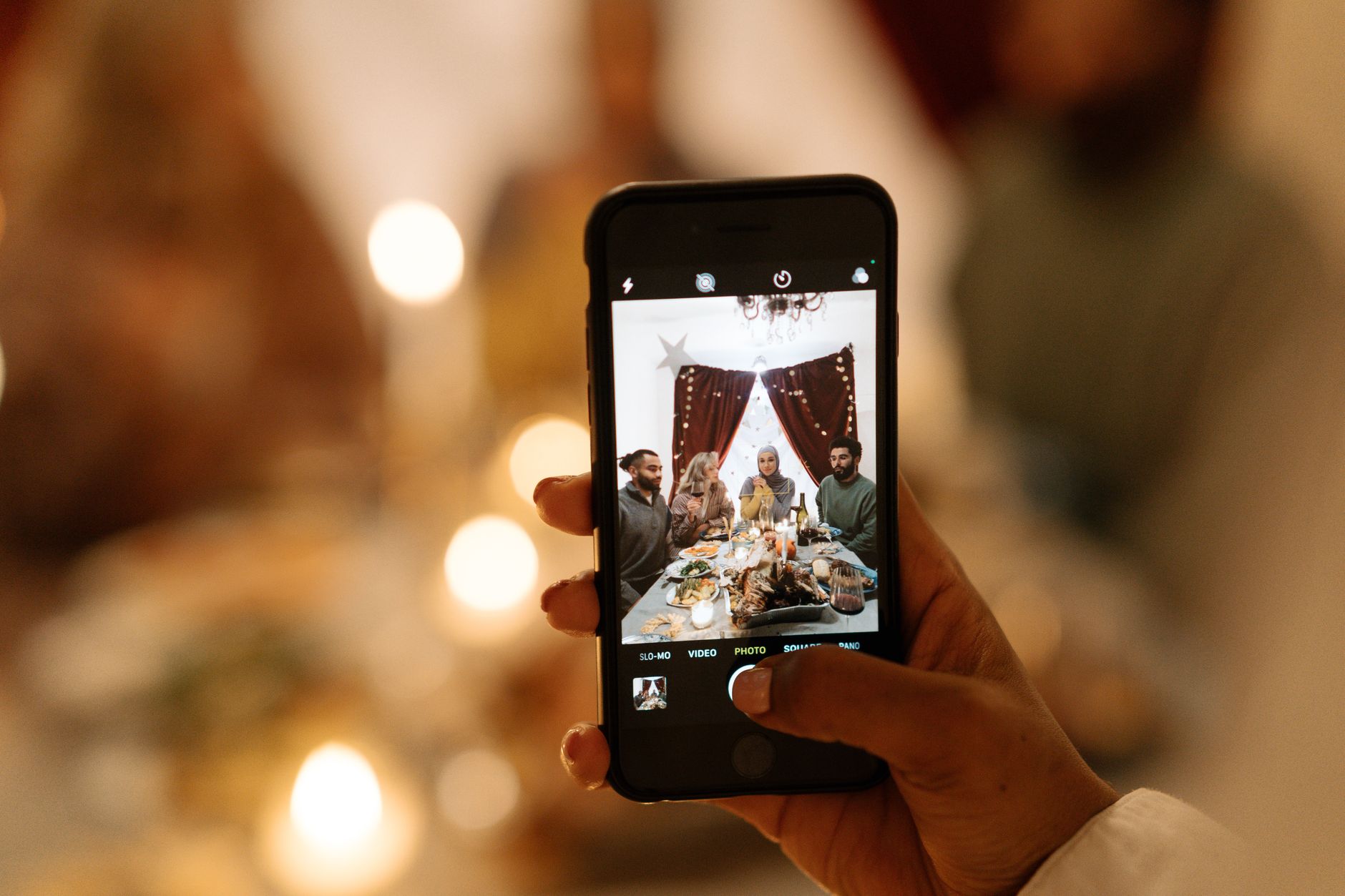
Thanksgiving falls on Thursday, November 26 this year, and by Sunday most of the photos from it will be scattered across a dozen phones in different states. Your aunt has the only good picture of the table, your nephew filmed nothing but took forty photos of the dog, and the group chat has a few compressed shots that nobody will find again by December. Good Thanksgiving photo sharing is less about the app and more about deciding a few things before Thursday: who is collecting, how relatives add photos, whether everyone sees them straight away, and where the final set will live. This guide compares the common options, covers what changes for a Friendsgiving, and gives you a simple plan and wording you can copy.
Everyone at the table has a camera. The trick is getting all of those photos into one place before people head home.Photo by cottonbro studio on Pexels
The practical answer
Pick one place, announce it early, and keep it open through the weekend.
Most Thanksgiving photos get lost because nobody said where they should go. Choose one collection method a week ahead, put the link in the message where you already share timings and who is bringing what, and repeat it at the table. Choose something every relative can use without installing an app or signing in, keep uploads open until Sunday so travellers can add photos from the airport or the car, and download a full copy before December gets busy.
01
Why Thanksgiving photos end up scattered
Thanksgiving is one of the few days a year when three or four generations are in the same room, and almost everyone has a camera in their pocket. That is great for coverage and bad for collection. Relatives use different phones, some have never joined a shared album, and many are travelling. AAA's 2025 forecast projected a record 81.8 million people travelling at least 50 miles from home over the Thanksgiving period, about 73 million of them by car. When the gathering breaks up on Friday morning, the photos leave with them.
The usual fallback is the family group chat. It works in the moment, but photos sent there are often compressed, buried under messages within a day, and missing from anyone who is not in that particular chat, such as in-laws, partners and friends who joined for dessert.
The tool matters less than having answered these questions before people arrive. Settle them now and the rest of this guide becomes a matter of picking the option that fits.
Who is the photo keeper? One person sets up the collection, shares the link, reminds people and downloads the final set. It does not have to be the host. A tech-comfortable cousin is often a better choice than whoever is basting the turkey.
Who will actually upload? Count phones, not people. A household of four may send everything from one or two phones, which matters for tools that limit how many people can join.
Should photos appear live or later? Some families love watching photos arrive during the evening. Others would rather nobody sees the unflattering mid-carve shot until the host has had a look.
Where will the photos live long term? Whatever you collect with, you will want a full copy somewhere you control, such as a computer and a cloud drive.
03
Thanksgiving photo sharing options compared
There is no single right answer. A close family that all uses iPhones has different needs from a Friendsgiving of twenty people on mixed phones. These are the four options most hosts consider.
Free and already set up, which is why it wins by default. The downsides are compression on many messaging apps, photos lost in a long thread, and no tidy way to download everything at once. Fine for a handful of quick shots, weak as the family's record of the day.
A Google Photos shared album
Google's help says that when you share a link to an album, anyone with the link can view the photos and add to the album, and that you can turn an album into a QR code to share digitally or in print. Direct sharing needs the recipient to have a Google Account, so the link is the route for relatives who do not use Google. Test adding a photo from a phone that is not signed in to Google before you rely on it, and remember that new photos are visible to everyone in the album as soon as they are added.
An iCloud Shared Album
Apple rebuilt Shared Albums in iOS 27. Its support page says friends and family can now join and contribute photos on the web, even without an Apple Account, and the owner can choose whether anyone with the link can join or only people they approve. Apple lists a limit of 100 participants. Albums created on iOS 27 or later count towards the owner's iCloud storage, including photos others add, unless you make the album temporary; temporary albums are deleted after 30 days. Relatives on older software need to update or view the album on iCloud.com, so check a grandparent's iPad before the day.
A QR code photo tool
Dedicated event photo tools give guests a code or link that opens an upload page in the phone's browser. The good ones ask for nothing more than a name. Features vary a lot: some show photos live, some let the host review uploads first, some hold everything back until a set time. Most charge per event or per month and keep photos for a fixed period, so check what the price covers and how long you have to download.
Compare
Four ways to collect Thanksgiving photos
Group chat
Already set up, but photos are often compressed and hard to gather into one set later.
Google Photos album
Link or QR code; test uploads from a phone without Google before the day.
iCloud Shared Album
iOS 27 opens web uploads to non-Apple relatives; uses the owner's iCloud storage unless temporary.
QR photo tool
Scan and upload in the browser; live feed, review and reveal options vary by tool.
Editorial comparison based on the Google and Apple help pages cited in this article.
04
Family Thanksgiving vs Friendsgiving: what changes
Friendsgiving is no longer a side event. YPulse reported in December 2025 that 44% of young adults in its research celebrated Friendsgiving, up from 42% in 2024. The photo plan for a Friendsgiving looks a little different from a family dinner.
Plan for the least tech-comfortable person in the room, not the average.
Expect fewer uploading phones than people. Grandparents often hand their phone to a grandchild, and kids may not have phones at all.
Keep uploads open through the weekend. Relatives who leave Friday can add photos once they are home.
Think about who else should see the set: relatives who could not travel this year often want the photos most.
Friendsgiving
Almost everyone has a phone and is comfortable scanning a code, so the bigger risk is photos going straight to social media instead of to you.
Friendsgiving can fall on any day, so set the upload window around your actual date rather than the Thursday.
A reveal the next morning works well here. People wake up to a shared gallery of the night instead of a scroll of stories.
Mixed friend groups may not want every photo public. Agree a simple rule, such as asking before posting anyone else's face.
05
A simple Thanksgiving photo plan
This timeline assumes a Thursday dinner. Shift it for a Friendsgiving on another day.
One week before: choose your method, create the album or capsule, and test it from a phone that is not yours, ideally one belonging to an older relative.
In the same week: send the link in the message that already covers arrival time and who is bringing what. People read that one.
On the day: put a small card with the QR code where people pause, such as the drinks table, the dessert table or beside the place cards.
Before the meal: make a one-line announcement while everyone is gathered. It takes ten seconds and doubles as a reminder to take the group photo.
As people leave: remind them that uploads stay open until Sunday evening, so they can add photos from the car or the airport.
Sunday or Monday: download the full set, then share the gallery link with everyone, including relatives who could not come.
06
Wording you can copy
Keep it short and say exactly what guests need to do. Change the names and times to suit.
For the family group chat
"Thanksgiving photos: please add everything you take to our shared album here [link]. No app or sign-in needed, just open it and upload. It stays open until Sunday night, and we'll share the full set after that."
For a card on the table
"Took a good one? Scan to add it to our Thanksgiving album. No app needed. Open until Sunday, 8 pm."
For a Friendsgiving with a reveal
"Scan the code and drop in your photos tonight. They stay hidden until 10 am tomorrow, when the whole gallery opens for everyone."
07
Shots worth asking relatives to take
Guests take better photos when they have a loose idea of what is wanted. A short list on the table card or in the group chat helps, especially for teenagers who might otherwise photograph only their plate.
The table before anyone sits down.
Whoever did the cooking, in the kitchen, before they change.
Each generation together: grandparents, parents and kids.
The kids' table, from their eye level.
The group photo, taken by two different people so at least one has everyone's eyes open.
Something unposed after dinner: the card game, the dishes crew, the football on in the background.
Old family photos or recipe cards that come out every year. A quick photo is an easy way to preserve them.
08
Helping relatives who are not comfortable with tech
Choose a method with no app and no account. Every extra step loses someone.
Ask the photo keeper to sit with older relatives for two minutes after the meal and upload from their phone together.
Tell people that their photos stay on their phone, so if the upload fails on poor signal they can try again later.
If the house Wi-Fi is busy with twenty phones, suggest switching to mobile data for uploads.
Accept that some photos will arrive by text message, and add them yourself.
09
Choosing a tool for your Thanksgiving
If your family already shares an iCloud or Google Photos album that works, use it. If you are hosting a mixed group, want relatives to add photos by scanning a code without accounts, or would rather nobody sees the photos until you have had a look, a QR photo tool is worth considering. Compare what guests have to do, who sees photos and when, whether you can hide a photo, how you download the set, how long photos are kept and what the price covers.
Event Capsule is a no-app photo tool built around a delayed reveal. Guests scan your QR code or open your link, enter a name, and upload photos from their phone's browser. Until the reveal time you set, they see a sealed capsule with a photo count, not each other's photos. You can review uploads as reduced-resolution previews and hide any you would rather not share. At the reveal, the approved photos open together for everyone with the link, with a slideshow you can put on the TV, and you can download the full-resolution set as one ZIP.
An event window can run for up to seven days, so a Thursday dinner can stay open for uploads until Sunday, with the reveal on Sunday evening or Monday morning. Times follow the event's own timezone, which helps when relatives are spread across the country. Once you have verified your email, you can change the upload times from the host dashboard until the event starts, and move the reveal time until the photos are revealed. Moving the reveal also moves the 30-day deletion date. Photos are kept for 30 days after the reveal and then deleted, so download your copy promptly. Event Capsule collects photos only, not videos.
Plans are one-off prices per event and the guest limit counts people who join to upload, not everyone at the table. The free First Flash plan covers up to 5 guests and 100 photos. Little Roll is US $4.99 for up to 10 guests, Core Memories is US $8.99 for up to 20 guests, and Photo Drop is US $12.99 for up to 30 guests, which covers most family Thanksgivings and Friendsgivings. You can compare every plan on the pricing page.
10
After the weekend: keep a proper copy
Download the full set once uploads have closed and keep at least two copies, for example on a computer and in a cloud drive. Do it before December arrives and the photos are forgotten. If you want to share favourites with relatives who did not make it, a gallery link or a small printed set often means more to them than a post on social media. Many families also pull a picture from the set for their holiday cards, which is much easier when the photos are already in one place.
What is the easiest way to share Thanksgiving photos with family?
Pick one place for everyone's photos, share the link a week ahead in the message with the dinner plans, and put a QR code on the table on the day. Choose something relatives can use without installing an app or creating an account, and keep it open until the Sunday after Thanksgiving.
Can relatives without an iPhone add photos to an iCloud Shared Album?
For albums created on iOS 27, iPadOS 27 or macOS 27 or later, Apple says friends and family can join and contribute on the web without an Apple Account. Albums created on older versions keep the older rules, so check which version you are on before you send the link.
Should I use a QR code for Thanksgiving photos?
A QR code helps when relatives are on mixed phones or will not want to search for a link in a long group chat. Print it on a small card where people pause, such as the drinks or dessert table, and test it from a phone that is not yours before Thursday.
How long should I keep uploads open after Thanksgiving?
Until Sunday evening works for most families. Many relatives travel home on Friday or Saturday and only get round to uploading once they are home. Set a clear deadline and say it out loud as people leave.
How do I collect photos at a Friendsgiving?
Share a link or QR code that friends can use straight from their phone's browser, and say whether photos will appear live or be revealed later. A reveal the next morning is a fun way to share the night without everyone posting it first.
One QR code. No guest app.
Collect the moments your guests already capture
Create a private Event Capsule, choose when uploads open and when the gallery reveals, then let guests contribute from their phone browser.