When someone says "just put the photos in a shared folder", they usually mean Google Drive. Using Google Drive for event photos is free, familiar and keeps original files, and for a handful of relatives sending pictures after a dinner it can work fine. For a party, shower, reunion or office event where dozens of guests are meant to add photos from their phones, the details start to matter: who has to sign in, who can delete what, and what everyone sees while the event is still going. This guide covers how collecting guest photos in Drive actually works, the problems hosts tend to hit, how Google Photos and Apple's rebuilt iCloud Shared Albums compare now that iOS 27 is out, and how to decide before holiday gatherings arrive.
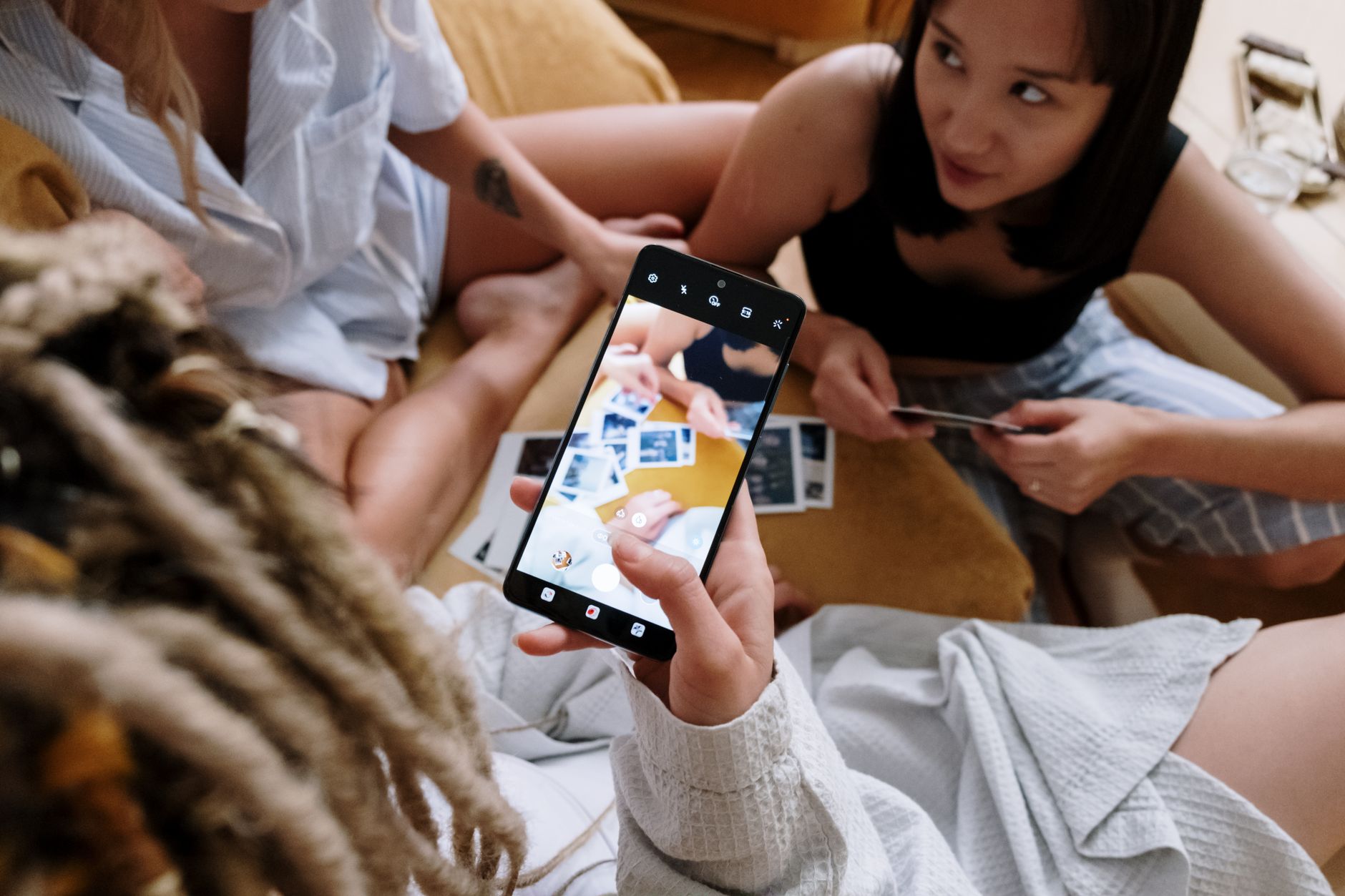
A shared folder is a fine place to keep the photos. Getting them off every guest's phone is the harder part.Photo by cottonbro studio on Pexels
The practical answer
Drive is a good archive and a clumsy collection tool.
Google Drive is a sensible place to keep event photos once you have them. As the way guests hand photos over, it asks a lot: a Google account for uploads, edit access that also lets people delete, and enough free space in each guest's own Google storage. Google Photos and iCloud Shared Albums are friendlier for small groups, and iOS 27 has made iCloud far more open to Android guests. For larger events, or when you want guests to upload by scanning a code without accounts, a QR photo tool is usually smoother. Whichever you pick, test it on a phone that is not yours before the day.
01
Why Google Drive is the default answer
Drive earns its reputation. It costs nothing to start, many guests already use Gmail or an Android phone signed in to Google, and the files you collect stay as the original images rather than compressed copies. Nothing expires on a timer, so the folder can sit there for years. The question is not whether Drive is a good product. It is whether a file-storage tool fits the job of getting photos off forty different phones during a busy event.
02
How collecting guest photos in Google Drive actually works
The usual setup is a folder in your Drive, shared so that guests can add to it. Google's sharing help explains that you choose who gets access and what role they have: Viewer, Commenter or Editor. Viewers and commenters cannot change anything, so for guests to add photos they need Editor access.
Google also lets you set general access to "Anyone with the link", and says people with the link can then use the file without signing in. Uploading is a different matter. Content Snare's guide to Drive file requests, updated June 2026, says people need a Google account to upload files to a shared folder. Google Forms has a file-upload question, but Google's help says responders must sign in to a Google Account to answer it, and the uploaded files go into a folder in the form owner's Drive.
Guests need a Google account and must be signed in on the phone they are using.
Guests need Editor access, which also lets them rename, move and delete files in the folder.
Uploads use the guest's own storage. Google One's help says files you add to a folder someone shared with you count against your storage, and each account includes up to 15 GB shared across Gmail, Drive and Photos.
A guest whose Google storage is already full cannot upload. Google says an account over its quota cannot upload new files to Drive.
None of these points is a disaster on its own. Together, at an event with mixed ages and mixed phones, they add friction at exactly the moment you want guests to just tap and send.
The sign-in step loses people. Guests on iPhones who do not use Google, older relatives and colleagues signed in with a work account may hit a login screen or an access request. Some will try once and give up.
Edit access cuts both ways. Anyone who can add to the folder can also delete or move someone else's photos, by accident or otherwise. Google's roles are Viewer, Commenter and Editor, with no add-only option for a regular folder.
Everyone sees everything, immediately. A shared folder has no review step, so a blurry, unflattering or private photo is visible to every guest the moment it is uploaded.
Full accounts fail quietly. A guest who is near their storage limit may not realise that is why the upload did not go through.
You lose track of who took what. Files arrive with camera filenames, so unless guests rename them, you cannot easily tell whose photos are whose.
When Drive is still the right call
If your group is small, already uses Google, and you trust everyone with edit access, Drive is perfectly reasonable. It is also a good destination after the event: many hosts collect photos with a dedicated tool, download the full set, and keep that download in Drive as the long-term copy.
04
Google Photos shared albums: closer, but still Google-centred
Google Photos is built for pictures rather than files, so it suits most groups better than Drive. You can share an album with contacts or create a link. Google's help says that when you share a link to your album, anyone with the link can view the photos and add to the album, and anyone who scans the album's QR code can open it. It also says you can share directly with anyone who has a Google Account in your contacts, and that only the album owner can remove people.
Google's help does not spell out whether a guest without a Google Account can add photos through the link, and the album may ask guests to sign in before they contribute. Test it with someone who does not use Google before you rely on it. Like a Drive folder, a shared album shows new photos to everyone with access as they are added, with no step where you approve them first.
Apple's Shared Albums used to be an easy rule-out for mixed groups: Android guests could only view, and shared photos were reduced in size. Apple's support page now says that, starting in iOS 27, iPadOS 27 and macOS 27, Shared Albums support full-resolution sharing, and friends and family can join and contribute their own photos on the web, even without an Apple Account or Apple device. 9to5Mac's October 2026 review describes the same change. For a host with an up-to-date iPhone, that makes iCloud a real option for small and medium gatherings, with some trade-offs.
Storage: Apple says albums created in version 27 or later are stored at full resolution and count towards the owner's iCloud storage, including photos other participants add.
Temporary albums: Apple's "Make Album Temporary" option deletes the album after 30 days. Apple says temporary albums do not count towards your iCloud storage and can hold up to 5,000 photos and videos in total.
Group size: Apple lists a maximum of 100 participants, including the owner.
Access: the owner can let anyone with the link join, or only people they invite or approve.
Older software: participants on out-of-date devices must update or view the album on iCloud.com, and albums created on iOS 26 or earlier keep the older rules, including photos reduced to 2,048 pixels on the long edge.
Still a live feed: participants see new photos as they arrive, and the owner can only remove a photo after others may have seen it.
Google Drive, Google Photos, iCloud and a QR photo tool compared
In short: Drive needs a Google account and Editor access, and uploads use each guest's own storage. Google Photos may ask guests to sign in. iOS 27 iCloud albums open web uploads to non-Apple guests but use the owner's iCloud storage unless made temporary. Browser-based QR tools usually need only a scan, and some let you review photos or hold them back until a set time. Drive, Google Photos and iCloud are all live feeds that keep photos until you delete them, apart from temporary iCloud albums; QR tools often keep photos for a fixed period, so download your copy. Product details change, so check each provider's current help pages before your event.
Compare
Four ways to collect guest photos
Google Drive
Free and permanent, but uploads need a Google account, edit access and free space in the guest's storage.
Google Photos
Photo-friendly album shared by link or QR code; it may ask guests to sign in to Google.
iCloud Shared Album
iOS 27 opens web uploads to non-Apple guests; uses the owner's iCloud storage.
QR photo tool
Scan-and-upload in the browser; review and reveal options vary by tool.
Editorial comparison based on the Google, Apple and Content Snare pages cited in this article.
07
If you use Google Drive anyway, set it up like this
Create one folder just for the event, with a clear name such as "Mia's 40th, guest photos".
Give Editor access to named guests by email where you can, rather than a public link.
Tell guests in advance that they will need to be signed in to Google, so it is not a surprise on the night.
Ask guests to add their name to a subfolder or filename so you know who took what.
Test the whole flow on an iPhone that does not have Google apps installed.
Set a deadline, then switch the folder to view-only so nothing gets deleted afterwards.
Download a full copy once uploads have stopped and keep it somewhere separate.
08
When a QR photo tool is the better fit
If your guest list is larger than a close circle, includes people who will not want to sign in to anything, or you want some control over what everyone sees, a dedicated event photo tool tends to be smoother. Check the same things you would with Drive: what guests have to do, who sees photos and when, whether you can hide a photo, how you download the set, how long photos are kept and what the price covers.
Event Capsule is a QR photo tool built around a delayed reveal. Guests scan your code or open your link, enter a name, and upload photos from their phone's browser, with no app and no guest account. Until the reveal time you set, guests see a locked capsule with a running photo count, never anyone else's photos. You can review uploads as reduced-resolution previews and hide anything you would rather not share. At the reveal, the approved photos open together for everyone with the link, and you can download the full-resolution set as one ZIP.
The event window can span up to seven days, so guests can keep adding photos after they get home. Photos are kept for 30 days after the reveal and then deleted, which is one reason Google Drive or another cloud drive makes a good home for your downloaded copy. Event Capsule collects photos only, not videos.
The free First Flash plan covers up to 5 guests and 100 photos. Paid plans are one-off prices per event, from Little Roll at US $4.99 for up to 10 guests to Full Roll at US $24.99 for up to 100 guests and The Archive at US $55.99 for up to 250 guests. You can compare every plan on the pricing page.
09
How to choose in two minutes
How many people will upload? A few family members can share a Drive folder or album. Thirty or more guests is where sign-ins and edit access start to cause problems.
Does everyone use the same ecosystem? An all-Google group suits Google Photos. A host on iOS 27 can now include Android guests in an iCloud Shared Album.
Do you want photos visible live, or held back? Drive, Google Photos and iCloud are live. If you want to review photos first or reveal them all at once, you need a tool that offers that.
Where will the photos live long term? Whatever you collect with, download a full copy and keep it somewhere you control. Drive is a fine choice for that part.
Can guests upload photos to Google Drive without a Google account?
Not easily. Content Snare's guide says people need a Google account to upload to a shared Drive folder, and Google's help says Google Forms file-upload questions require responders to sign in. Third-party add-ons can create upload links, but check their limits and pricing first.
Is Google Drive good for collecting event photos?
It works for small groups who already use Google and can be trusted with edit access. For larger events, the sign-in step, editors being able to delete files, and uploads needing free space in each guest's own Google storage make it clumsier than a dedicated photo tool.
Is Google Photos better than Google Drive for event photos?
For most groups, yes. A Google Photos shared album is designed for pictures, can be shared by link or QR code, and is easier to browse. Google's help does not spell out whether guests without a Google Account can add photos, so test it first. New photos are visible to everyone in the album straight away.
Can Android users add photos to an iCloud Shared Album now?
Yes, for albums created on iOS 27, iPadOS 27 or macOS 27 or later. Apple says friends and family can join and contribute on the web even without an Apple Account or Apple device. These albums count towards the owner's iCloud storage unless they are made temporary.
What is the best way to keep event photos long term?
Download a full-resolution copy once uploads have finished and keep at least two copies in different places, such as a computer and a cloud drive like Google Drive. Do this early, especially if the tool you collected with only keeps photos for a limited time.
One QR code. No guest app.
Collect the moments your guests already capture
Create a private Event Capsule, choose when uploads open and when the gallery reveals, then let guests contribute from their phone browser.